How to Learn Programming in 2026: A Practical Guide
Learn programming in 2026 with a practical guide to choosing a language, building a small project, debugging, and using AI to support your learning.
To learn programming in 2026, choose a language that fits something you want to build, learn its core concepts, and apply them in a small project. Practice finding errors, testing results, and making changes. AI can help explain the work, but you still need to understand the decisions. This guide gives you a practical starting point and a way to judge your progress.
Choose a Language for the Work You Want to Do
Start with a goal you can describe: an interactive webpage, a script that processes files, or a feature in an existing application. That goal gives you a reason to choose a language and a clear place to use it.
For a first independent project, Python and JavaScript are useful options for different kinds of work. If you are joining an existing Java or .NET project, learning its language may be the more relevant choice.
| Your goal | Starting path | What to learn first |
|---|---|---|
| Interactive websites | JavaScript with HTML and CSS | Page structure, styling, functions, events, and forms |
| Automation and file processing | Python | Functions, collections, files, and error handling |
| Work in an existing Java or .NET application | Java or C#, matching the project | Types, methods, classes, and collections |
| Store and query relational data | SQL alongside your main language | Tables, keys, queries, and joins |
Set Up Enough to Run a Small Program
Create a project folder, open it in a code editor, and follow the language’s official setup instructions. For a basic webpage, start with HTML, CSS, JavaScript, and a browser. For a Python script, check that you can run a file and see its output.
Begin with one toolchain. Add a framework when your project needs it. If you choose TypeScript, learn JavaScript before or alongside it: TypeScript checks types before execution, while the resulting program follows JavaScript’s runtime behavior.
Learn the Fundamentals Through Small Problems
Learn a concept, write a small example, and predict what it will do before running it. Then change one input and explain why the result changes. This gives each lesson a question you can answer with code.
Work through these foundations as your project needs them:
- Values and types: distinguish text, numbers, and true-or-false values.
- Conditions and loops: decide which actions run and which actions repeat.
- Functions: define what a piece of code receives, returns, and changes.
- Collections: store several values and find the ones you need.
- Errors and validation: handle missing, invalid, or unexpected input.
- Algorithms and tests: describe the steps and check that they produce the expected result.
Avoid the Tutorial Loop
After following a worked example, close the solution and rebuild a small part using your notes and documentation. Add one requirement the tutorial did not cover. If you get stuck, identify the exact missing concept before starting another course.
Choose a structured course suited to your level. CS50x covers computer science foundations, while MDN’s learning material offers a path into web development. The official Python tutorial assumes some programming knowledge, so begin with introductory lessons if you are starting from zero.
Build One Small Project with Clear Rules
Try an order export checker. A CSV file stores tabular data in text form. Your script reads each order’s ID, status, and amount, then reports the number and total amount of paid orders.
Keep the exercise small: use one currency, non-negative whole-number amounts in its smallest unit, unique order IDs, and three allowed statuses: paid, cancelled, and refunded. Only paid orders contribute to the report.
Start with invented records: A101 is paid for 1,200 units, A102 is cancelled for 900, and A103 is paid for 800. The expected result is two paid orders totaling 2,000 units. Write down how invalid input should behave before coding.
| Input or change | Expected result |
|---|---|
| The three sample orders | Paid count: 2; total: 2,000 units |
| Valid headers with no records | Paid count: 0; total: 0 |
| A duplicate order ID | Reject the import and identify the duplicate |
| A missing field, negative amount, or unknown status | Reject the import with a clear error |
| Reorder the valid records | The same paid count and total |
- Use a CSV parser that handles quoted commas and line breaks.
- Separate reading, validation, and reporting into functions.
- Make the basic report work before adding a user interface.
- Add one feature, such as totals by customer, and rerun the earlier checks.
Practice Debugging as a Repeatable Process
When a result is wrong, make the failure specific. For the order checker, suppose cancelled orders appear in the total. Inspect the status value at the filtering step: is the comparison wrong, or is a later function using the unfiltered records?
A focused log shows the value that reached a step. A debugger can pause execution so you can inspect the program’s state. Use that evidence to test one explanation at a time.
- Save the smallest input that reproduces the failure.
- Write down the expected and actual results.
- Read the error message and inspect the relevant values.
- Change one thing that tests your explanation.
- Rerun the failing case and your other checks; keep a test for the bug you fixed.
Use AI to Make Your Thinking More Visible
Use AI at a point you can describe: a confusing error, an unfamiliar concept, or a solution you want reviewed. Provide the requirement, your attempt, and what happened. Ask for help that leaves you with something to investigate.
For example, if the order total is wrong, ask which intermediate value to inspect before requesting a replacement function. After fixing it, explain the cause and check another input. GitHub’s Copilot guidance also recommends reviewing and testing generated code because it can be inaccurate.
A 2026 randomized study by Anthropic involved 52 engineers learning an unfamiliar Python library. The AI group scored lower on an immediate knowledge quiz, without a statistically significant average improvement in task time. This was one short learning task, so its results should not be generalized to every tool or learning situation.
- For an error: “Give me one hint about what to inspect before showing a fix.”
- For a concept: “Give me a small example and ask me to predict the output.”
- For generated code: “Walk through this with my input and identify assumptions I should check.”
Use Git and a README to Keep Track of the Work
Git records file changes so you can compare versions and return to an earlier state. Save focused commits as you work: adding duplicate detection and adding a new report are separate changes you may want to inspect later.
Write a short README with the project’s purpose, setup steps, input rules, expected output, and checks. Include a limitation and a next improvement. This helps someone else run the project and helps you resume it after a break.
Measure Progress by What You Can Do
Use these questions to find your next learning task. They are self-assessment checks, rather than a hiring score or a fixed timeline.
- Can you explain the data flow and predict a small example?
- Can you locate and fix a failure using evidence?
- Can you add a requirement and check the earlier behavior?
- Can another person run the project using your README?
Watch the Reference Videos
For another perspective, watch Programming with Mosh’s guide to choosing a language and Traversy Media’s discussion of how learning to code has changed. Use the ideas that fit your goal, then return to your own project.
Plan Your Next Learning Session
Choose one course or learning path, one main language, and one project. Keep the next session small enough to end with a result you can check.
For the order checker, a useful next session could be handling an empty file. Later, add duplicate detection, then a new report. Each step gives you a specific reason to learn the next concept.
- Pick one requirement or concept.
- Write a sample input and the result you expect.
- Attempt the change using notes, documentation, and focused help.
- Run your checks and investigate any mismatch.
- Save the work and write down your next question.
Common questions
Frequently Asked Questions
Is it still worth learning programming in 2026?
Learning programming is useful if you want to build, understand, or maintain software. AI can assist with parts of the work, while you define the requirements and check the result. For a career change, also research the roles and experience requirements you could realistically pursue.
Which programming language should I learn first?
Choose a language that fits your project. Python is a useful starting point for automation and file processing; JavaScript fits interactive websites. If you are working in an existing application, its language may be the right choice. Begin with one main language.
How long does it take to learn programming?
There is no single timeline. Your starting point, available time, and goals all matter. Define a practical milestone, such as reading a file, validating its contents, and testing the result. Use what you can explain and change to decide what to learn next.
Can I use AI while learning to code?
Yes. Ask for hints, explanations, and feedback on your attempt. Review and test suggested code, then check whether you can explain it and adapt it to a new requirement yourself.
Do I need to memorize all the syntax?
No. Use documentation while learning and working. Focus on understanding the concepts, knowing what to look up, and checking the result. Familiar commands and syntax become easier to recall through repeated use.
Further reading
Verified references
Sources & Methodology
Research and documentation checked November 5, 2026. The AI study concerns a short task with one unfamiliar library. The project data, prompts, and learning plan are editorial examples. Videos and the student essay are credited background reading, rather than evidence for employment claims.
- CS50 syllabusHarvard University / CS50: Example curriculum for algorithms, data structures, abstraction, and other foundations.
- Learn web developmentMDN Web Docs: Structured learning material for beginning web developers.
- Python tutorialPython Software Foundation: Language concepts. The official tutorial assumes some prior programming knowledge.
- TypeScript for the New ProgrammerTypeScript: Relationship to JavaScript and erased types.
- General tutorialsDev.java
- Introduction to .NETMicrosoft Learn
- The SQL languagePostgreSQL Global Development Group
- CSV file reading and writingPython documentation
- Debugging and ProfilingMIT Missing Semester: Practical use of logging and debuggers.
- About Version ControlPro Git
- How AI Impacts Skill FormationJudy Hanwen Shen and Alex Tamkin / arXiv: Randomized study of learning an unfamiliar Python library; short-task results and limitations.
- Top 5 Programming Languages to Learn in 2026 (to Actually Get Hired)Programming with Mosh / YouTube: Original video, published December 18, 2025; inspiration and further viewing.
- Learning to code has changedTraversy Media / YouTube: Further viewing on the learning process from Traversy Media.
- Should You Still Learn to Code in 2026? An Honest Take From a Student Who’s Still GrindingPrayush Adhikari / DEV Community: A firsthand student perspective that helped frame the guide; included as background reading.
A practical next step
Choose Your Next Learning Step
For a broader path through frontend, backend, and application work, continue with our web development roadmap.

About the author
Wayne Pastoral
Full-stack developer behind Conduit Code Labs, working across Shopify, WordPress, web applications, performance, accessibility, and integrations.
Learn more about WayneContinue reading
More from Web Development
Node2Shell (CVE-2026-111497): What Node.js Teams Need to Patch and Check
Node2Shell (CVE-2026-111497) is a Brotli flaw in Node.js itself. See which versions fix it, which apps are exposed, and how to patch servers and containers.
Read article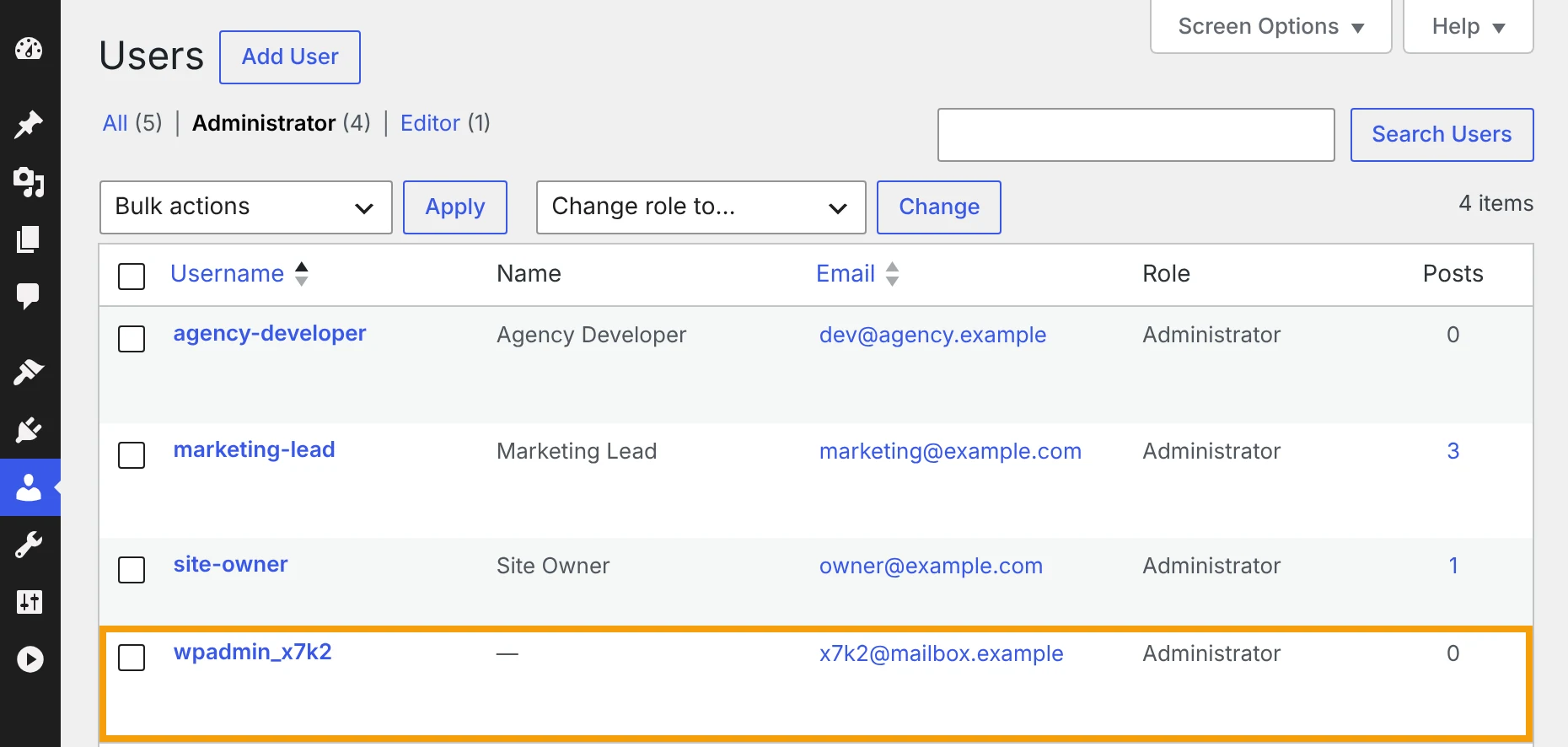
Unknown Admin Accounts and File Manager Plugins: Hidden WordPress Risks to Check After PHP2Shell
How to spot an unknown admin account in WordPress, what to do before you delete it, and why file manager plugins and the file editor put your site at risk.
Read article
Critical PHP Security Vulnerability in 2026: What Website Owners Need to Know
PHP2Shell affects the PHP runtime behind WordPress, Laravel, and other PHP websites. Learn how to verify your PHP security patch, restart workers, and test your site safely.
Read article
Website Uptime Is Not Enough: What Businesses Should Monitor After Launch
Uptime is only the first check. Learn how to monitor forms, checkout, performance, analytics, SEO, accessibility, integrations, and other critical website journeys.
Read article
How Long Does It Take to Build a Website? An Honest Timeline
A practical website development timeline for business sites, online stores, and custom web apps, including the delays clients and developers can prevent.
Read article
2026 Web Development Roadmap: What to Learn in the Age of AI
Learn frontend, backend, full-stack, design, and AI tools in a practical 2026 web development roadmap built around real projects and strong fundamentals.
Read article