
Website Uptime Is Not Enough: What Businesses Should Monitor After Launch
Uptime is only the first check. Learn how to monitor forms, checkout, performance, analytics, SEO, accessibility, integrations, and other critical website journeys.

A green uptime status does not mean every part of a website is working. A contact form may stop delivering leads. Add to Cart may fail on mobile. A valid discount may be rejected at checkout. Analytics may disappear after a theme update. Effective website monitoring checks both availability and the real customer journeys the business depends on.
Online Does Not Always Mean Operational
Traditional uptime monitoring requests a URL and checks whether the server responds. It is an essential first layer because it can catch a complete outage, a server error, a DNS problem, or a page that takes too long to respond.
The limitation is simple: a successful response does not prove that the page works. The header and footer may load while the product area remains empty. A form may display a confirmation even though the lead never reaches the CRM. A checkout button may be visible but impossible to click. The server considers the website available, but the customer still reaches a dead end.
That is why a useful monitoring plan is built around business-critical journeys, not only a list of URLs. The closer an action is to revenue, leads, service delivery, or customer trust, the more directly it should be tested.
Uptime confirms that a page responded. Functional monitoring confirms that the website can still do its job.
Begin With Availability and Page Health
Every monitoring plan needs a reliable availability layer. Check the homepage as well as the routes that matter most, such as a product page, service page, booking page, account area, or checkout entry point. A homepage-only check can miss a failure that affects a different template or part of the application.
Record the response status, response time, final URL, and presence of expected content. HTTP status codes help describe what happened, but the code alone is not enough. A page can return 200 OK while showing an error inside the layout, redirecting visitors to the wrong location, or omitting the content they came to see.
- Check important routes that rely on different templates, services, or infrastructure.
- Confirm that a stable element, such as a heading, product title, or form, is visible.
- Detect unexpected redirects, redirect loops, server errors, and unusually slow responses.
- Use a test region that represents real visitors when location can affect content, currency, inventory, or routing.
Test the Journeys That Matter to the Business
Functional monitoring opens the website in a real browser, follows a defined path, and verifies the result after each important action. A browser automation tool such as Playwright can navigate between pages, click controls, fill fields, select options, and confirm that the expected result appears.
The strongest check is not the longest possible tour of the website. It is the shortest dependable path that proves a valuable function still works. Focused checks are easier to maintain, quicker to run, and clearer to investigate when something fails.
- Lead-generation website: open a service page, submit the form with test data, and confirm the expected result.
- Online store: open a product, select an available variant, add it to the cart, verify the item and price, and continue to checkout.
- Booking website: choose an available service or date, continue to the form, and confirm that the required fields and next step work.
- Customer portal: sign in with a dedicated test account, open a protected page, and verify that the expected account information appears.

Follow Form Submissions to Their Final Destination
A form often depends on several connected systems. The website validates the fields, a form service processes the submission, an automation forwards it, and a CRM or inbox receives it. An on-screen success message proves that the first part of the journey worked. It does not prove that the lead reached its final destination.
For an important lead form, use a clearly labeled test identity and verify delivery when practical. This may mean confirming that a test email arrived, checking that the CRM created a record, or validating the response from the receiving API. Test entries should be easy to filter so they do not affect sales reports or trigger real follow-up activity.
Failure states deserve attention too. Required fields should display clear errors, email inputs should reject invalid formats, and a temporary integration failure should never discard a valid submission without warning.
- The form remains visible and usable on mobile and desktop.
- Required fields and input formats produce clear, accurate validation messages.
- A valid test submission reaches the intended inbox, CRM, or system.
- Duplicate protection and anti-spam controls do not block legitimate users.
- Test data is labeled, contained, and excluded from real lead handling where possible.
Protect the E-Commerce Path to Checkout
An online store has more moving parts than a basic availability check can see. Product options, inventory, discounts, bundles, free gifts, cart drawers, third-party apps, shipping rules, and checkout can all affect one another. A small theme or app change may leave most of the storefront looking normal while quietly breaking the buying path.
A practical commerce check should use a stable product and variant reserved for monitoring, or select one through rules that account for inventory. Verify the chosen variant, quantity, price, discount behavior, cart contents, and successful arrival at checkout. There is usually no need to place a paid order on every run. Routine checks can stop before payment or use an approved test environment and payment method.
Keep separate checks for journeys with different risks. A standard purchase, bundle discount, subscription, free-gift promotion, and international checkout may each need a focused test. Combining all of them into one long script makes failures harder to diagnose.
- Product information and at least one available variant load correctly.
- Variant selection updates the price, media, availability, and product identifier as expected.
- Add to Cart creates the correct line item with the intended quantity and properties.
- Discounts, bundles, gifts, and cart thresholds follow the current promotion rules.
- The shopper can reach checkout without an unexpected redirect, blocked control, or cart mismatch.
Measure Performance in the Lab and in the Real World
A quick server response does not guarantee a fast experience. Large images, JavaScript, fonts, third-party scripts, layout shifts, and delayed interactions can make a page frustrating long after the initial HTML arrives.
Google's Core Web Vitals measure loading, interactivity, and visual stability through Largest Contentful Paint, Interaction to Next Paint, and Cumulative Layout Shift. Controlled lab checks are useful for catching regressions during development and after deployment. Field data adds the experience of real visitors whose devices, networks, locations, and behavior cannot be fully reproduced in a test environment.
Track performance as a trend instead of treating one score as a permanent grade. Compare the same page type, device profile, and test location over time. When a meaningful regression appears, use the detailed measurements to investigate the cause.
Watch the Services Your Website Depends On
Many failures begin outside the main codebase. A consent manager may prevent analytics from loading. A review widget may slow a product page. A chat tool may cover an important mobile button. A shipping calculator, payment gateway, search service, CRM connection, or booking provider may fail while the rest of the website appears healthy.
List the external services involved in each critical journey and decide how to recognize a failure. For a visible tool, confirm that the expected interface or result appears. For APIs and webhooks, review error rates, response codes, retries, and final delivery. When an optional service fails, the essential page experience should remain usable whenever the platform allows it.
- Analytics and advertising events respect the required consent state.
- CRM, email, payment, shipping, booking, search, and review services return the expected results.
- Webhooks and background jobs are not silently failing or building a backlog of retries.
- Optional widgets do not block navigation, forms, cart controls, or other essential actions.
Verify Analytics Before the Data Matters
An analytics failure rarely prevents a customer from using the website, which makes it easy to overlook. The problem often becomes visible later, when a campaign report shows no conversions, a purchase value is wrong, or an experiment can no longer be evaluated.
After a deployment or tracking change, verify the events that support real decisions. A lead-generation website may rely on form submissions and qualified lead events. An online store may rely on product views, Add to Cart, checkout, purchase, value, currency, and transaction identifiers. When the analytics platform provides debug or real-time reporting, use it to confirm that the complete event and its important parameters arrived.
More tracking does not automatically produce better measurement. Maintain a small, documented set of events, parameters, and destinations that the business actually uses.
Monitor Search Health, Not Just Rankings
Search visibility can decline because a page was accidentally marked noindex, a canonical tag changed, important internal links disappeared, structured data became invalid, or a deployment removed content that search engines previously understood.
Monitor the technical conditions that make search visibility possible. Google Search Console can help site owners review indexing, crawling, Core Web Vitals, security issues, and search performance. Rankings can move for many reasons, so a change in position should begin an investigation rather than automatically be blamed on the latest deployment.
- Important pages remain indexable and point to the intended canonical URL.
- XML sitemaps remain accessible and contain the correct canonical pages.
- Robots directives do not block content that should be discovered.
- Structured data remains valid and agrees with the visible page content.
- Search Console shows no sudden pattern of crawling, indexing, manual action, or security problems.
Combine Automated Accessibility Checks With Human Review
Automated accessibility tools can identify issues such as missing labels, invalid relationships, and some contrast failures. They cannot judge every barrier or confirm that a complete journey makes sense with a keyboard or screen reader. W3C guidance therefore recommends combining tools with human evaluation.
Visual checks also help when a website changes frequently. Screenshot comparisons can reveal a hidden button, overlapping banner, missing image, broken spacing, or mobile layout regression that does not produce a code error. Keep these comparisons focused on stable, important areas so harmless content changes do not create constant noise.
- Run automated accessibility checks on representative templates and critical journeys.
- Schedule keyboard and screen-reader reviews that include human judgment.
- Compare key mobile and desktop screens after major design, theme, or dependency changes.
- Treat accessibility as an ongoing product requirement, not a one-time score before launch.
Cover Security and Recovery Basics
Operational monitoring can detect several security-related conditions. Examples include an expired TLS certificate, an unexpected domain or DNS change, a missing security header, an altered public page, or a platform or dependency reporting a known vulnerability.
These checks are valuable, but they do not prove that a website is secure. Security also depends on access control, application design, updates, data handling, backups, logging, incident response, and regular review. Monitoring supports that wider process. It does not replace it.
- Domain and TLS certificate expiration dates.
- Unexpected DNS, redirect, or certificate changes.
- Security notices for the platform, plugins, themes, application, and dependencies.
- Successful backups supported by periodic restore tests.
- Unusual authentication, error, traffic, or file-change patterns when the platform exposes them.
Make Every Alert Actionable
A monitoring system that sends too many weak alerts will eventually be ignored. Each alert should help someone decide whether action is required. It should explain what failed, which customer or business journey is affected, when the problem began, how it was detected, and what evidence is available.
Reduce false alarms by retrying brief failures, confirming critical incidents from a second location when appropriate, and assigning clear severity levels. A complete checkout failure should not look the same as a small performance regression. Send the alert to someone who can investigate and define when the problem should be escalated.
- Critical: the website is unavailable, customers cannot submit the primary form, or shoppers cannot reach checkout.
- High: an important integration, discount, booking step, or lead-delivery path is failing.
- Medium: a performance, analytics, SEO, accessibility, or visual regression needs review, but the main journey still works.
- Informational: a certificate, domain, dependency, or planned maintenance deadline is approaching.
Build the Monitoring Plan Around Risk
Not every check needs to run every minute. Availability checks can run frequently because they are lightweight and an outage is urgent. Full browser journeys take longer and may interact with inventory, forms, email, or external services, so their frequency should match the business impact and the cost of running them safely.
Begin with the one or two journeys that would cause the most harm if they failed unnoticed. Add coverage after real incidents, important feature releases, and tasks the team repeatedly verifies by hand. Remove checks that no longer protect a useful outcome.
The schedule below is a starting point, not a universal rule. A high-volume store, local service website, customer portal, and internal business tool do not carry the same risk.
- Every few minutes: availability and response checks for the most important public routes.
- Every 15 to 60 minutes: safe browser checks for critical forms, cart, checkout entry, booking, or sign-in journeys.
- After deployment: focused checks for the changed area and the primary business journey.
- Daily: important integrations, analytics signals, backups, search health, and slower end-to-end checks.
- Weekly or monthly: performance trends, accessibility review, dependency health, restore testing, and monitoring coverage.
The best monitoring plan is not the one with the most checks. It is the one that finds important failures early enough for someone to act.
Verified references
Sources & Methodology
This guide combines public documentation reviewed on September 10, 2026, with Wayne Pastoral's hands-on experience maintaining Shopify, WordPress, analytics, forms, integrations, and custom web applications. Monitoring frequency and coverage should be adjusted to the website's platform, customer journeys, and business risk.
- HTTP Response Status CodesMDN Web Docs: Reference for the HTTP response codes commonly used in availability and endpoint checks.
- Writing TestsPlaywright: Official documentation on browser actions, locators, assertions, isolation, and automated user-flow testing.
- Web Vitalsweb.dev / Chrome: Official guidance on Core Web Vitals, lab measurement, field data, and real-user monitoring.
- How to Use Search ConsoleGoogle Search Central: Official guidance on monitoring search performance, indexing, crawling, security issues, and Core Web Vitals.
- Evaluating Web Accessibility OverviewW3C Web Accessibility Initiative: Guidance on combining evaluation tools with human review when assessing web accessibility.
Clear answers before you plan
Frequently Asked Questions
What is website monitoring?
Website monitoring is the repeated checking of a site's availability, performance, and important functions. Depending on the business, it may include URL checks, real-browser journeys, form and checkout tests, integration health, analytics, search conditions, accessibility, certificates, and alerts.
What is the difference between uptime and functional monitoring?
Uptime monitoring checks whether a server or page responds. Functional monitoring performs actions through a browser or API and verifies the result, such as submitting a form, adding a product to the cart, signing in, or reaching checkout. A website can pass an uptime check while an important function remains broken.
How often should a website be monitored?
The frequency should reflect business risk. Lightweight availability checks often run every few minutes. Critical browser journeys may run every 15 to 60 minutes and after deployments. Performance trends, accessibility, backups, and dependency health may be reviewed daily, weekly, or monthly depending on the website.
Should an e-commerce monitor place a real order?
Usually not on every run. Routine checks can verify product selection, cart contents, discounts, and arrival at checkout without charging a payment method. A complete order test should use an approved test environment or controlled test payment method, together with a documented process for handling the resulting order and data.
Can automated monitoring replace manual website testing?
No. Automation is effective at repeating known checks and detecting regressions. Human review is still needed for usability, accessibility, content quality, unusual devices, changing business rules, and problems the existing checks were never designed to find.
What should a small business monitor first?
Start with the most important public pages and the customer journey most closely tied to revenue or leads. For a service business, that is often the inquiry form and final lead delivery. For an online store, it is usually product selection, Add to Cart, discount behavior, and the path to checkout.
A practical next step
Need a monitoring plan built around your website?
Conduit Code Labs can help identify the journeys that matter, define practical checks, and create a clearer process for finding problems after launch.

About the author
Wayne Pastoral
Full-stack developer behind Conduit Code Labs, working across Shopify, WordPress, web applications, performance, accessibility, and integrations.
Learn more about WayneContinue reading
More from Web Development

How Long Does It Take to Build a Website? An Honest Timeline
A practical website development timeline for business sites, online stores, and custom web apps, including the delays clients and developers can prevent.
Read article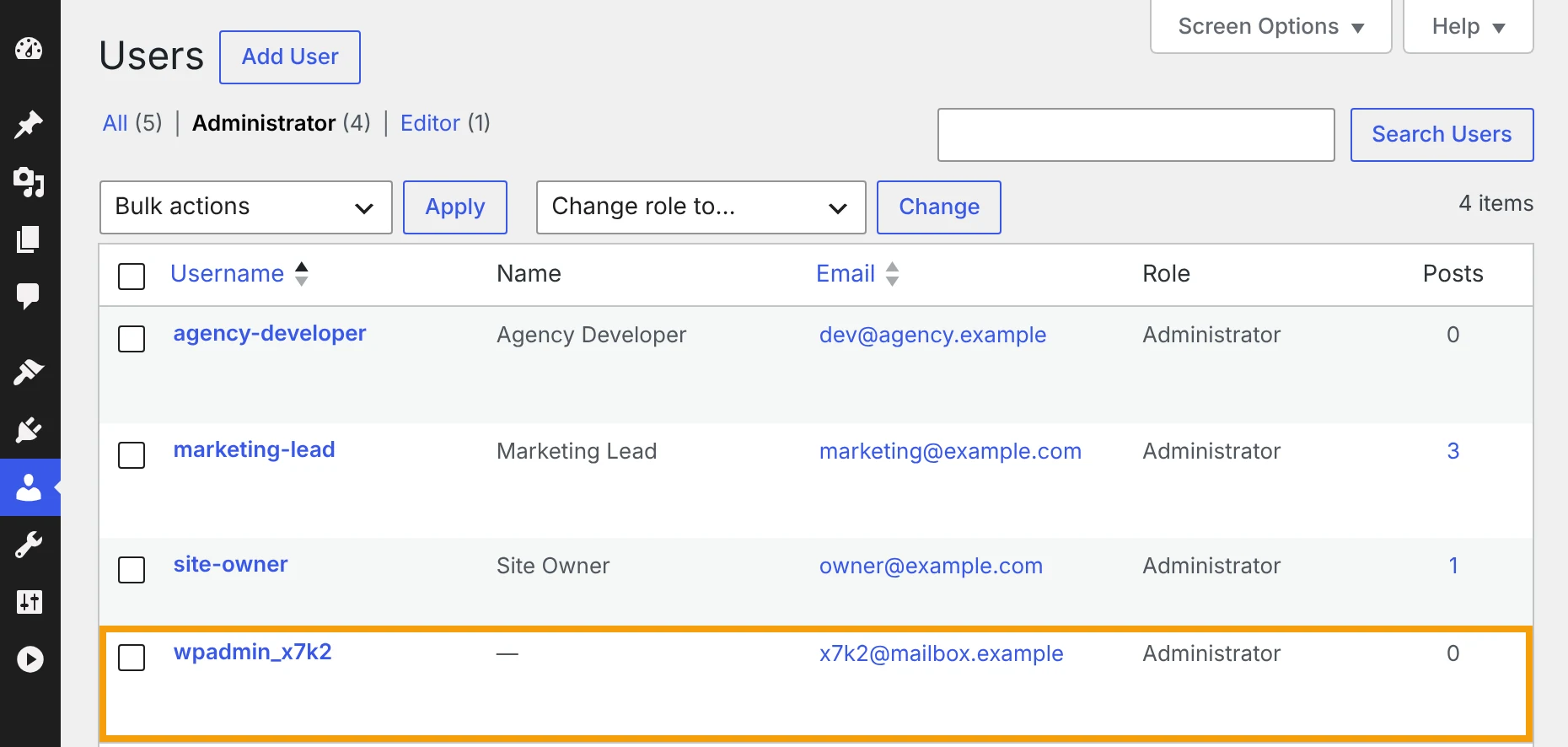
Unknown Admin Accounts and File Manager Plugins: Hidden WordPress Risks to Check After PHP2Shell
How to spot an unknown admin account in WordPress, what to do before you delete it, and why file manager plugins and the file editor put your site at risk.
Read article
Critical PHP Security Vulnerability in 2026: What Website Owners Need to Know
PHP2Shell affects the PHP runtime behind WordPress, Laravel, and other PHP websites. Learn how to verify your PHP security patch, restart workers, and test your site safely.
Read article