
AI Fatigue Is a Signal, Not a Flaw
The tiredness is not about typing less. It is about reviewing more, and reviewing never fully turns off.

AI is supposed to remove work. Most days, for a lot of designers and developers, it does not remove the work, it relocates it. Producing gets faster. Reviewing gets bigger, and reviewing has no natural stopping point the way a first draft does.
The tiredness is not about typing less
Autocomplete finishes the function. The model drafts the layout. The typing really is faster. But every suggestion still has to be read, judged, and accepted or rejected, and that is a different kind of labor than producing was. It is closer to editing than making, and editing all day is its own particular tired.
A developer using inline completion is not writing less code; they are making a small judgment call every few keystrokes: is this right, is this the pattern we use here, does this handle the edge case? Typing was one continuous motion. This is a hundred small stops.
Every suggestion is a small decision. A hundred small decisions a day cost more than one long one.
Review has no stopping point
A first draft has a natural finish line: the page is done, the function works. Reviewing AI output does not have that same edge. You can always look one layer closer, run one more test, or question one more assumption. Nothing tells you when review is actually finished.
Designers feel a version of this too. AI can generate far more layout options, color variants, and copy directions than a person would have drafted alone. More options are not necessarily more clarity; they are more filtering. The job shifts from generating ideas to sorting through an unlimited pile.
The switching adds up
Every jump between the actual work and the AI interface, a chat panel, a prompt box, or a diff to approve, carries a small re-orientation cost that does not show up in any time tracker. A developer moving between an editor, inline suggestions, and a separate chat tab for architecture questions pays that cost dozens of times a day. Designers moving between Figma and generation tools pay the same tax.
None of these costs are large on their own. They add up precisely because they are small and constant, which makes them easy to dismiss until the day is already gone.
Zoom out and the shape becomes clear: the total effort across a day does not necessarily shrink. It stops being one long block and becomes many small ones.
Fatigue is not a sign AI is being used wrong. It is a sign the work moved and nothing else in the process adjusted to match.
Where specific tools actually fit
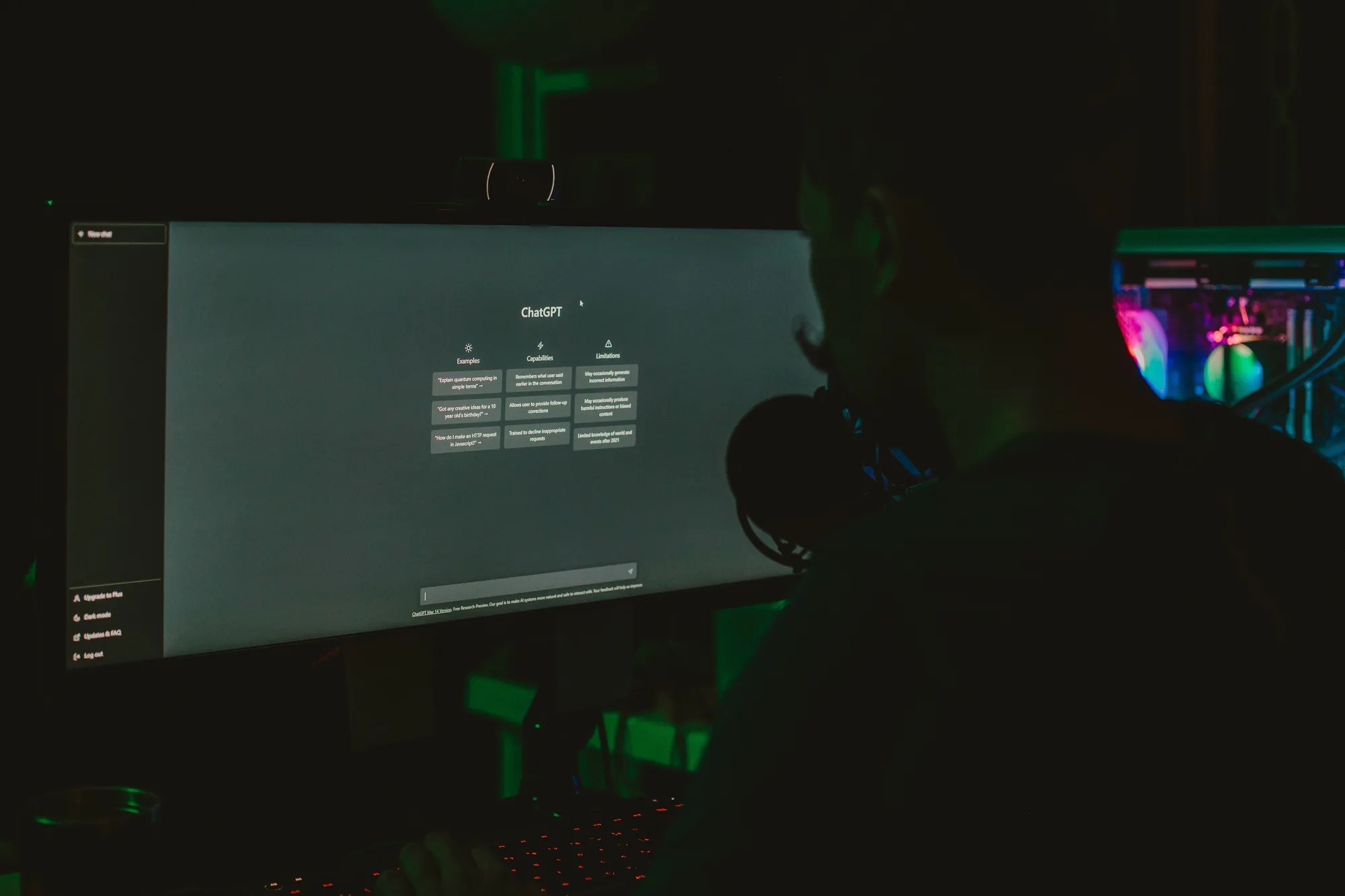
Not every AI tool creates the same kind of fatigue, and not every tool needs the same boundary. Splitting them by what they are actually good at makes those boundaries easier to set instead of treating AI as one undifferentiated source of tiredness.
- Inline completion (Copilot, Cursor, Codeium and similar): best for mechanical, line-by-line work. Consider turning ambient suggestions off during deep-focus blocks and back on for a dedicated pass.
- Chat assistants (ChatGPT, Claude and similar): strongest when the question is well scoped. Batch a few real questions into one bounded prompt instead of keeping an endless conversation open around the whole task.
- Design generation tools (Midjourney, Adobe Firefly, Figma AI features): the fatigue is often volume. Cap the ask at a few deliberate directions before the pile becomes exhausting to sort.
- Automated review tools (linters, formatters, accessibility checks and visual-regression tools): let these run quietly. They can remove categories of manual review instead of adding more judgment calls.
What to do with that split
- Match the tool to the task type before opening it. A repetitive, rule-based check belongs in a linter or script, not a chat window.
- Keep chat and generation tools for genuinely bounded requests, and default to your own judgment for anything you cannot describe clearly in one sentence.
- Let automated review tools run in the background. They are the rare category that can reduce review load instead of adding to it.
The tool is not the source of the fatigue. Asking it open-ended questions, all day, with no boundary around the answer, is.
What actually helps
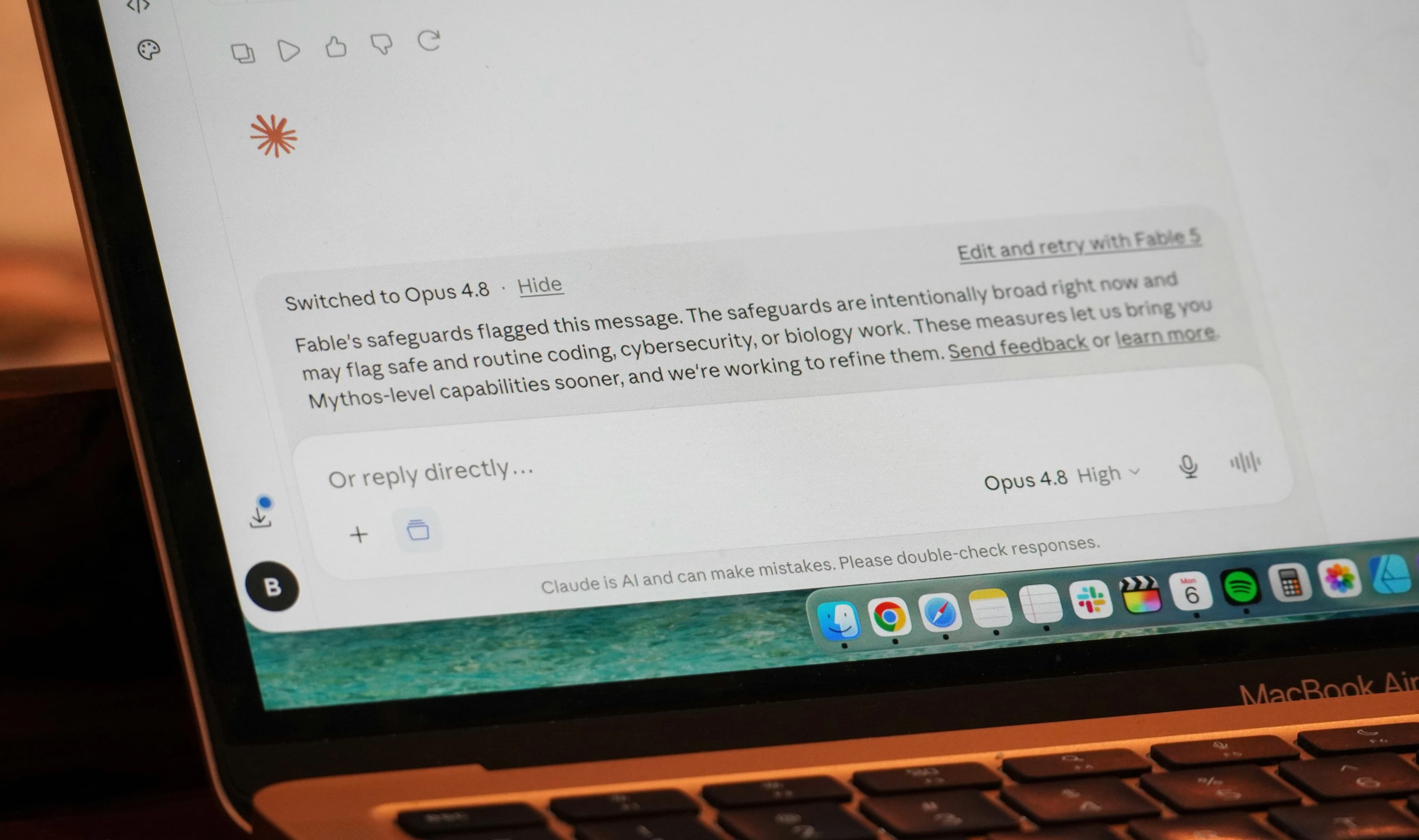
Beyond matching the tool to the task, the fixes are about giving review the same boundaries that used to exist naturally around producing work.
- Bound the task tightly before asking for anything. A narrow request is easier to verify in one pass than an open-ended one.
- Batch review instead of reviewing continuously. Let suggestions accumulate and evaluate them at set points.
- Turn off ambient, always-on suggestions during work that needs real focus, then turn them back on deliberately for a review pass.
- Cap how many options you ask for. Three considered directions are easier to choose between than ten generated ones.
Verified references
Sources & Methodology
This article is experience-based commentary, not a clinical diagnosis. The research below supports the discussion of task switching, interruptions, and mental workload.
- Executive Control of Cognitive Processes in Task SwitchingJournal of Experimental Psychology via PubMed: Peer-reviewed research on the measurable costs of switching between tasks.
- Mental Workload at Transitions Between Multiple Devices in Personal Information ManagementGoogle Research: Research on workload and task transitions across devices.
A practical next step
Have a project that needs to work better?
Share the goal, the current problem, and what success should look like. Conduit Code Labs can help define a practical next step.

About the author
Wayne Pastoral
Full-stack developer behind Conduit Code Labs, working across Shopify, WordPress, web applications, performance, accessibility, and integrations.
Learn more about WayneContinue reading
More from AI & Development
Use AI. Keep Your Judgment.
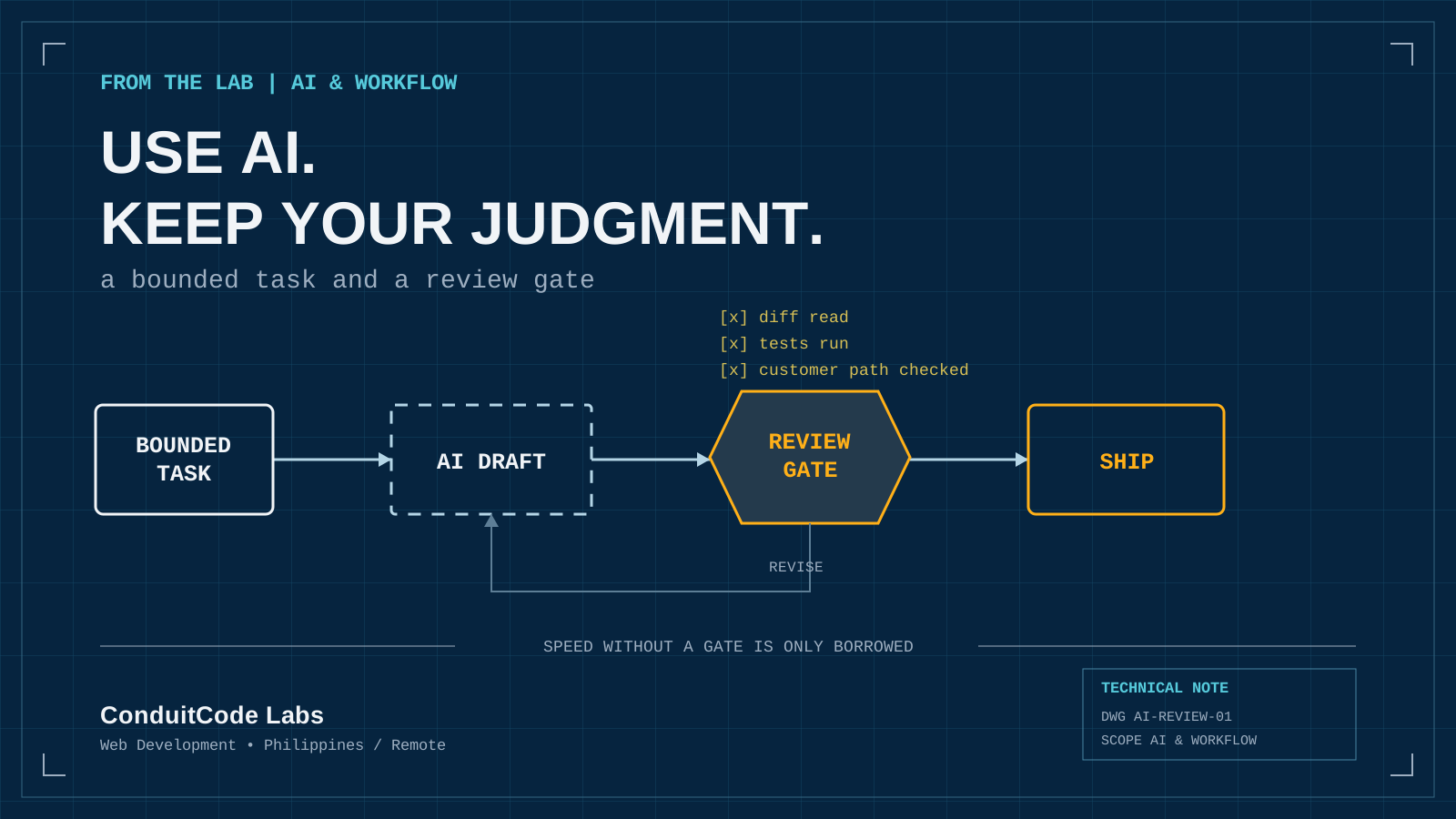
AI can accelerate implementation, but understanding and ownership still decide whether the result is good.
Read article
How Developers Can Balance Speed and Quality in the AI Era
A practical guide to using AI for faster development while preserving code quality, security, accessibility, testing, learning, and realistic expectations.
Read article
AI Can Write Code. What Still Goes Into Development?
AI can accelerate coding, while production software still depends on scope, architecture, integration, testing, accessibility, security, and accountable human judgment.
Read article